



Buying guide
Start with your space and the equipment you use. These checks help you compare desks and organizers before choosing a configuration.

-
Measure your space
Measure the available width and depth. Allow space for your chair, drawers, doors and cables. Compare your measurements with the dimensions of the exact configuration you select.
-
Check what the desk offer includes
Check whether the selected offer is a complete desk, a frame or a desktop. Compare the desktop size and any stated construction details. Do not assume that every configuration has the same included parts.
-
Compare adjustment and load information
For a height-adjustable desk, check the stated height range and adjustment method for the selected configuration. Compare the stated load limit with the equipment you plan to place on it. A desktop load limit does not establish compatibility with a monitor arm or another attachment.
-
Match an organizer to your equipment
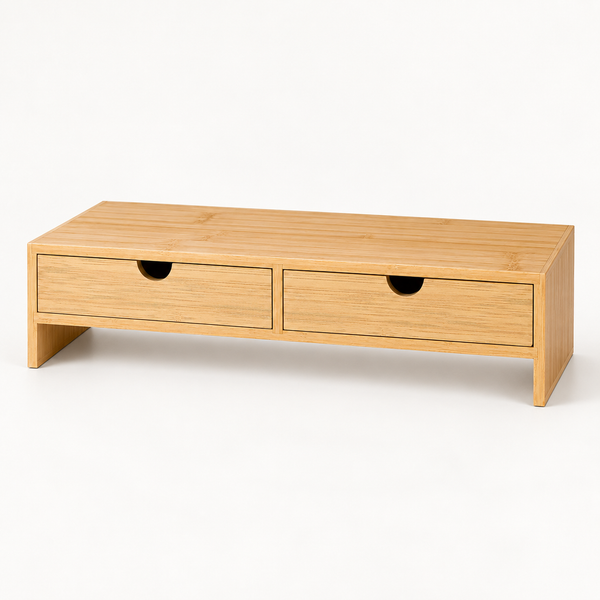
Compare the organizer’s footprint with your monitor base and desk surface. Check any stated usable clearance, shelf sizes and drawer dimensions. Overall height alone does not tell you how much space is available underneath.
-
Review the selected configuration
Before adding an item to your cart, check the selected size, finish, images, included items and availability. Compare product information for that exact configuration. If a detail you need is missing, resolve it before ordering rather than inferring it from a lifestyle photograph.
-
Plan for assembly and care
Review the product’s assembly and care information. Check the tools, space and assistance described in its instructions. Follow the model-specific guidance for setup and use.
Ready to choose?
Compare desktop sizes, height ranges and footprints on each product page.